Your novel, step by step.
You always know what to do next, until the book is finished.
Start from an idea or from the pages you've already written. Chaptershift gives you the structure, tools, and guidance to turn it into a manuscript you're proud of.
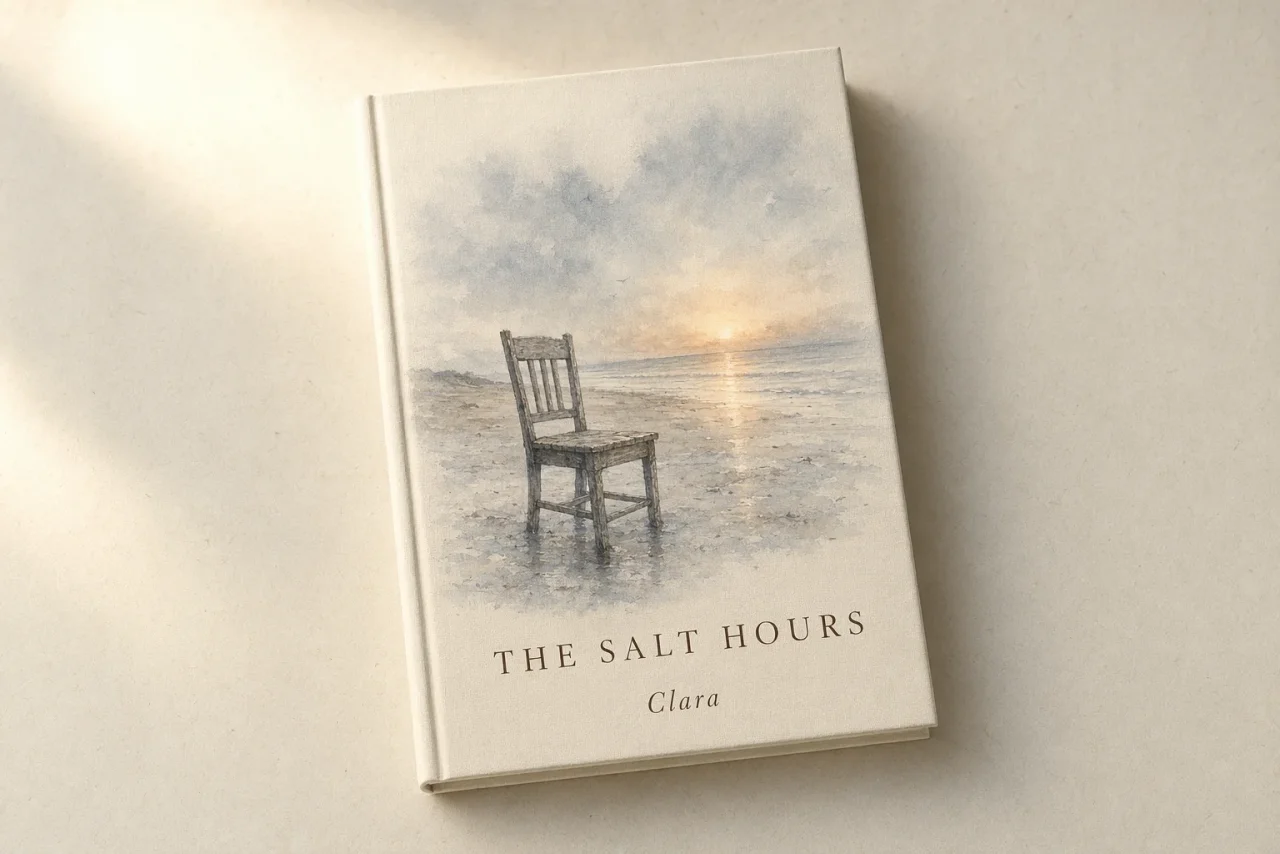
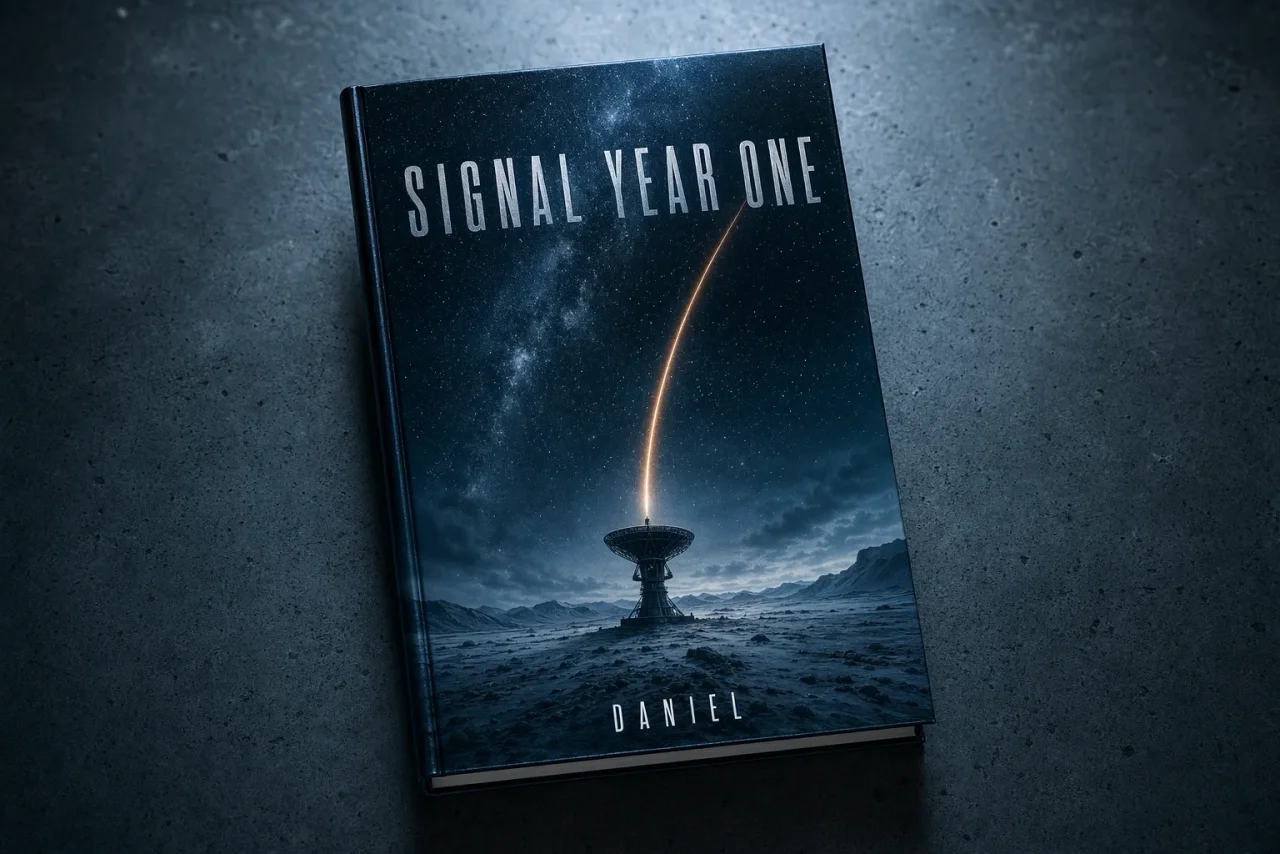
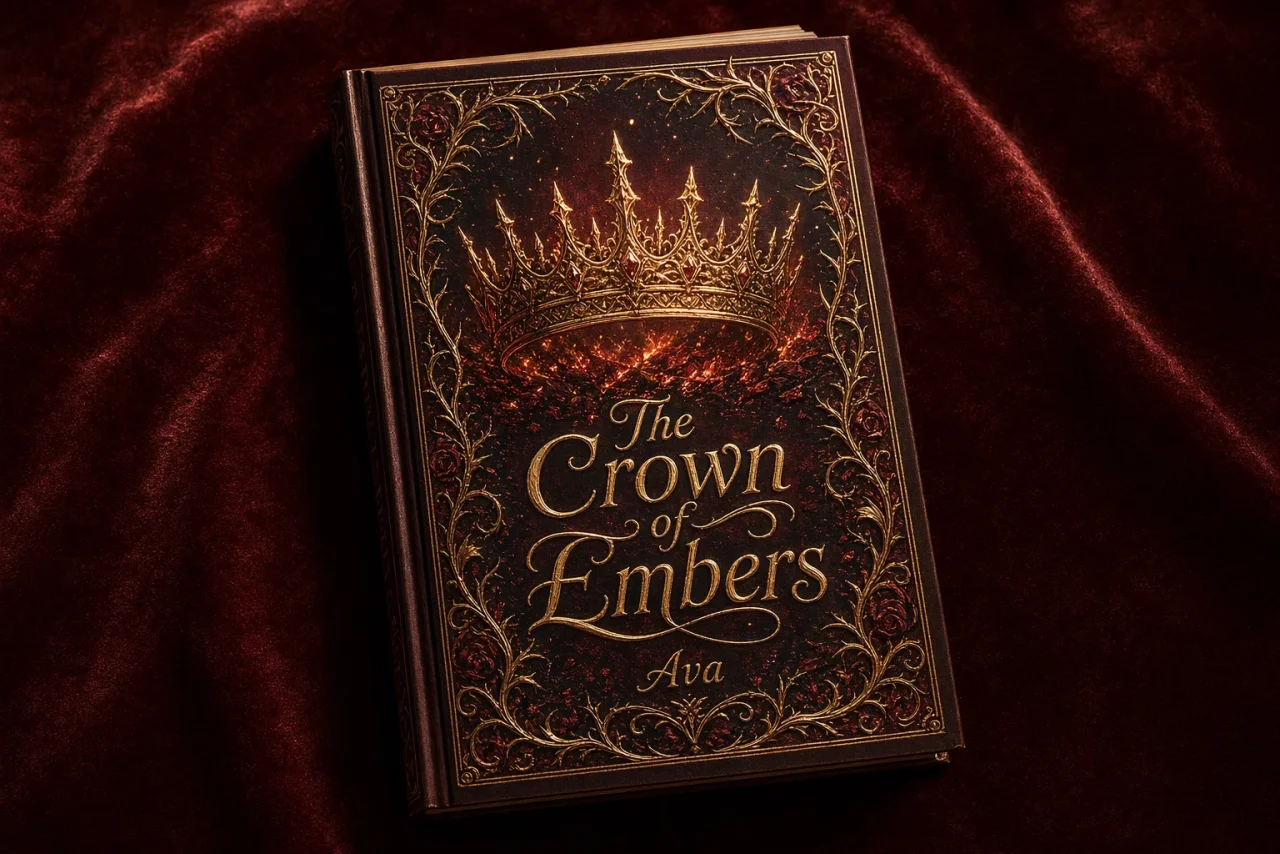
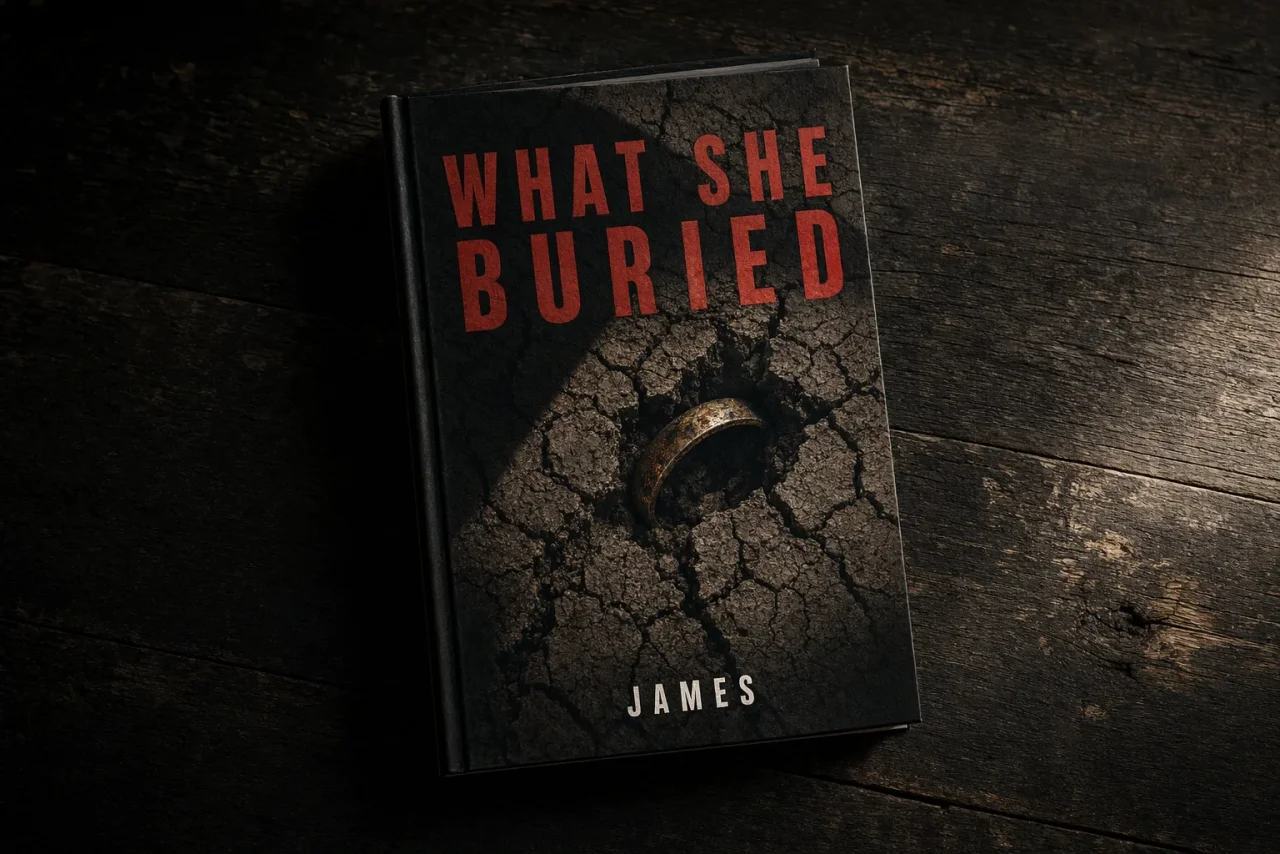
How it works
Every book takes the same path, whatever you start with.
Start from an idea or your pages
Turn a hunch into a plot, or upload what you've already written and find your story laid out in chapters, scenes, and characters.
Plan your story
Shape your premise, your characters, and your world, then lay out your scenes act by act. Decide what happens, in what order, and why.
Review your story
Find out where your story doesn't work yet, and what to do about it.
Write the draft
Write your scenes one by one, in your own style, following your characters and your plan.
Nora opened the box at dusk, when the apartment was emptiest. The letters were older than she had been told, and addressed to a name that did not belong to her mother.
She set the lid aside. There were twelve envelopes, all unopened, each sealed with the same red wax…
Export and share
Download your manuscript as a formatted Word file and hand it to a reader, an editor, or a publisher. Or keep it just for yourself.
The book they were going to write someday?They're writing it now.
Novels that actually get finished.
I'd been "starting" my novel for three years. Two weekends with Chaptershift and I actually had a plot. Not a vibe, a plot. I'm on chapter nine now.
I've bought three writing apps before this one. They all gave me a blank page and wished me luck. This is the first thing that told me what to do next.
I was terrified it would take over. It didn't. Every line still sounds like me, just sharper. I'm four chapters deep and I've never gotten this far before.
The pen stays in your hand.
Chaptershift doesn't write the novel for you. It helps you plan, explore characters, and draft scenes from your outline, but every creative decision is yours. Accept, edit, rewrite, or discard anything it suggests.
Your creative decisions
Premise, plot, characters, voice: you choose, always. The system never makes a move you haven't approved.
Drafts built from your blueprint
Every scene reflects your outline, your style, and your character voices, not a generic template.
Your name on the book
The manuscript and the copyright are yours. Any paid plan lets you download the book as DOCX.
Is Chaptershift for you?
A quick honest check before you start.
Yes, if
- You have a story idea but don't know how to turn it into a plan.
- You've already written pages, but your story doesn't work yet.
- You've tried writing before and lost momentum midway.
- You want guided structure, not another empty document.
Not really, if
- You want something that writes the novel for you. Chaptershift keeps you as the author.
- You want a blank Word doc, not a guided system.
Start for free. Upgrade when you're ready for more.
Pick the plan for where your book is. Cancel anytime.
Questions
Who owns what I write?
I've already started my book. Can I bring it?
Is Chaptershift an AI ghostwriter?
Do I need writing experience?
What languages does Chaptershift support?
What's free, and what's paid?
Can I cancel anytime?
Your story has waited long enough.
Start shaping it today.
Start FOR FREEGo to Author CentralNo credit card to start.